
As part of my home automation setup, I rely on Sonos integration in Home Assistant. I worked on this because my children use Home Assistant for their favorite audiobooks, and they could no longer reliably see album titles and related artwork for parts of their library.
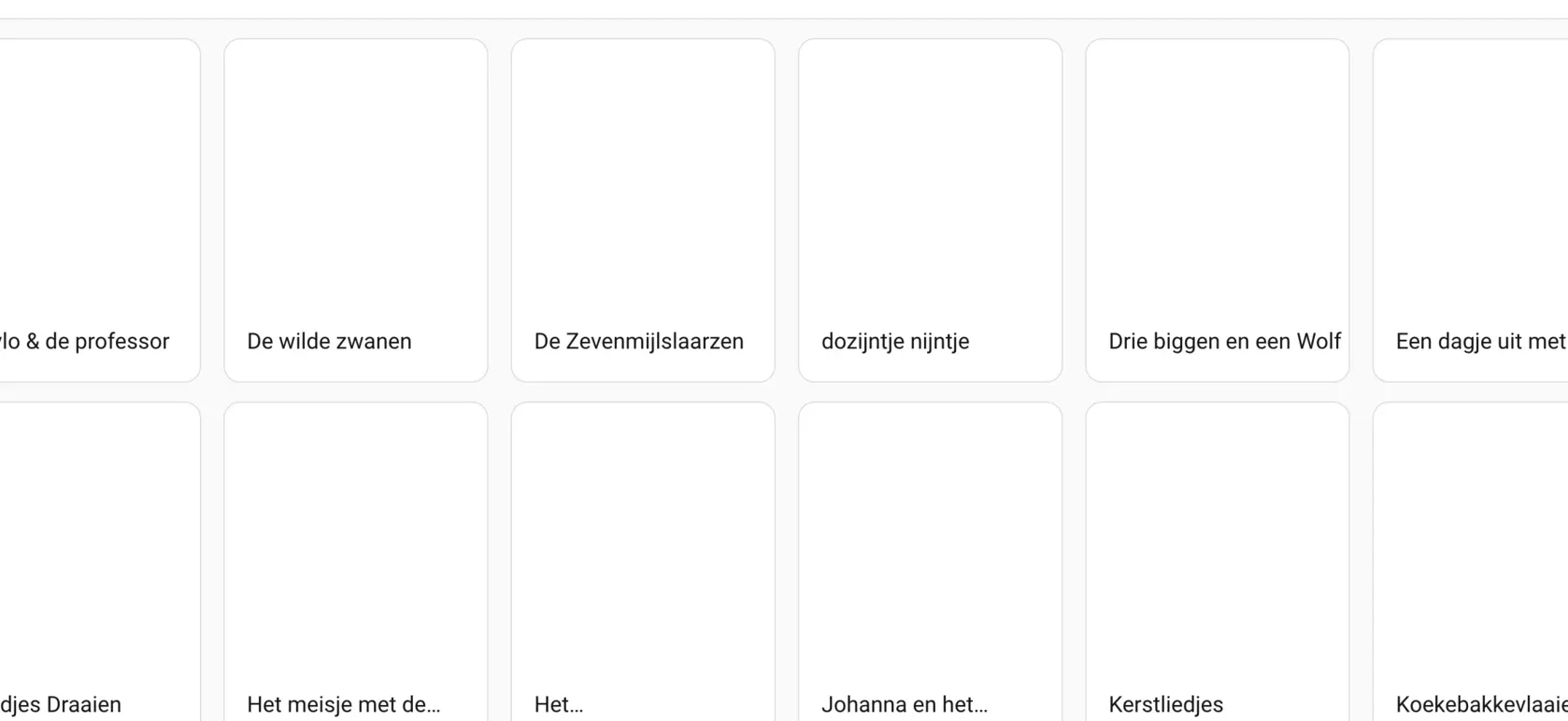
From the technical side, this showed up as a regression where album artwork did not resolve correctly for some library entries, and in some cases the browse image endpoint could fail because no matching image data was found.
The issue turned out to be an ID parsing edge case. Some Sonos libraries return album identifiers in a multi-segment shape like A:ALBUM/<album>/<artist>. The existing lookup logic used the last segment as search term, which is not always the album title.
This likely surfaced because of upstream Sonos library metadata/grouping changes. Sonos announced updates around stronger use of Album Artist for grouping and sorting, which can produce more specific/disambiguated browse identifiers:
- https://en.community.sonos.com/tutorials-and-how-to-s-229149/music-library-album-artist-metadata-change-6927831
- https://support.sonos.com/en-us/article/local-music-library-grouping-and-sorting
What I changed
I contributed a fix upstream in Home Assistant:
The fix does two things:
- Lookup term fix: use the album segment (
<album>) as lookup term forA:ALBUM/...identifiers. - Disambiguation fix: when multiple matches are returned, resolve by exact
item_id, then fallback to exact title.
Why this matters
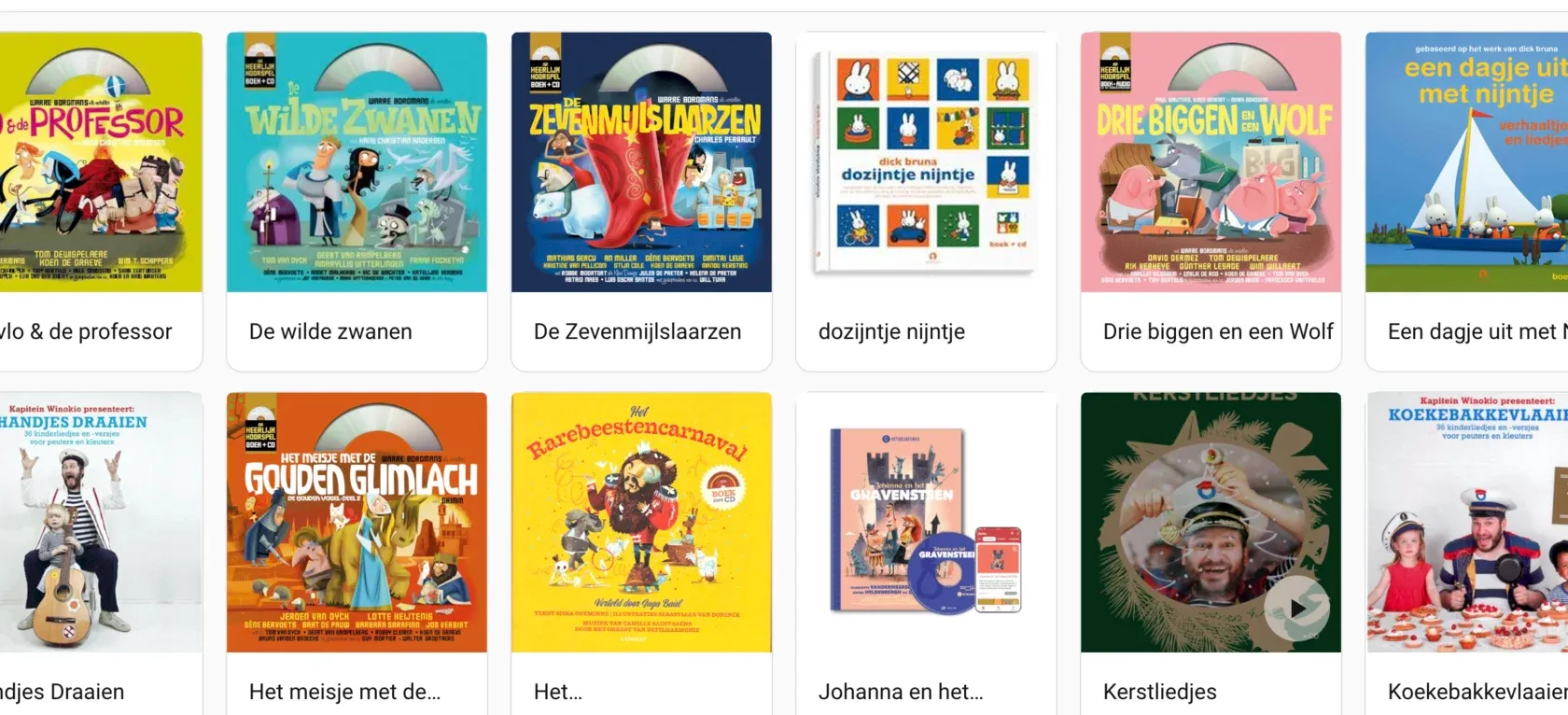
In practice, this improves reliability of Sonos media browsing and album art resolution in real-world music libraries, especially where IDs carry extra disambiguation segments.
For my own setup, this is exactly the kind of home-automation work that matters most: small, targeted integration fixes that remove daily friction and improve system behavior over time.
Before and after
Before (affected browse path):
After (lookup and browse rendering resolved):
Delivery notes
I built and shipped this fix with strong AI assistance (vibe-coding style), then validated and refined it manually before opening the PR.
Given the time window, that approach was essential: it let me move from troubleshooting to a tested patch within a few hours, while still keeping responsibility for correctness and final behavior on my side.